SEO for Website Relaunches: Protect Organic Traffic When Redesigning Your Site
A redesign can change URLs, templates, and navigation in ways that disrupt search visibility. Learn how to plan, test, and launch site changes while protecting valuable organic traffic.
A website redesign can make a site easier to use while removing the pages, links, or content that bring people in from search. Protecting organic traffic starts before design approval: identify what search engines and visitors rely on, decide what will change, and turn those decisions into testable launch requirements. Redirects matter, but they cannot compensate for removing useful content or making important pages difficult to access.
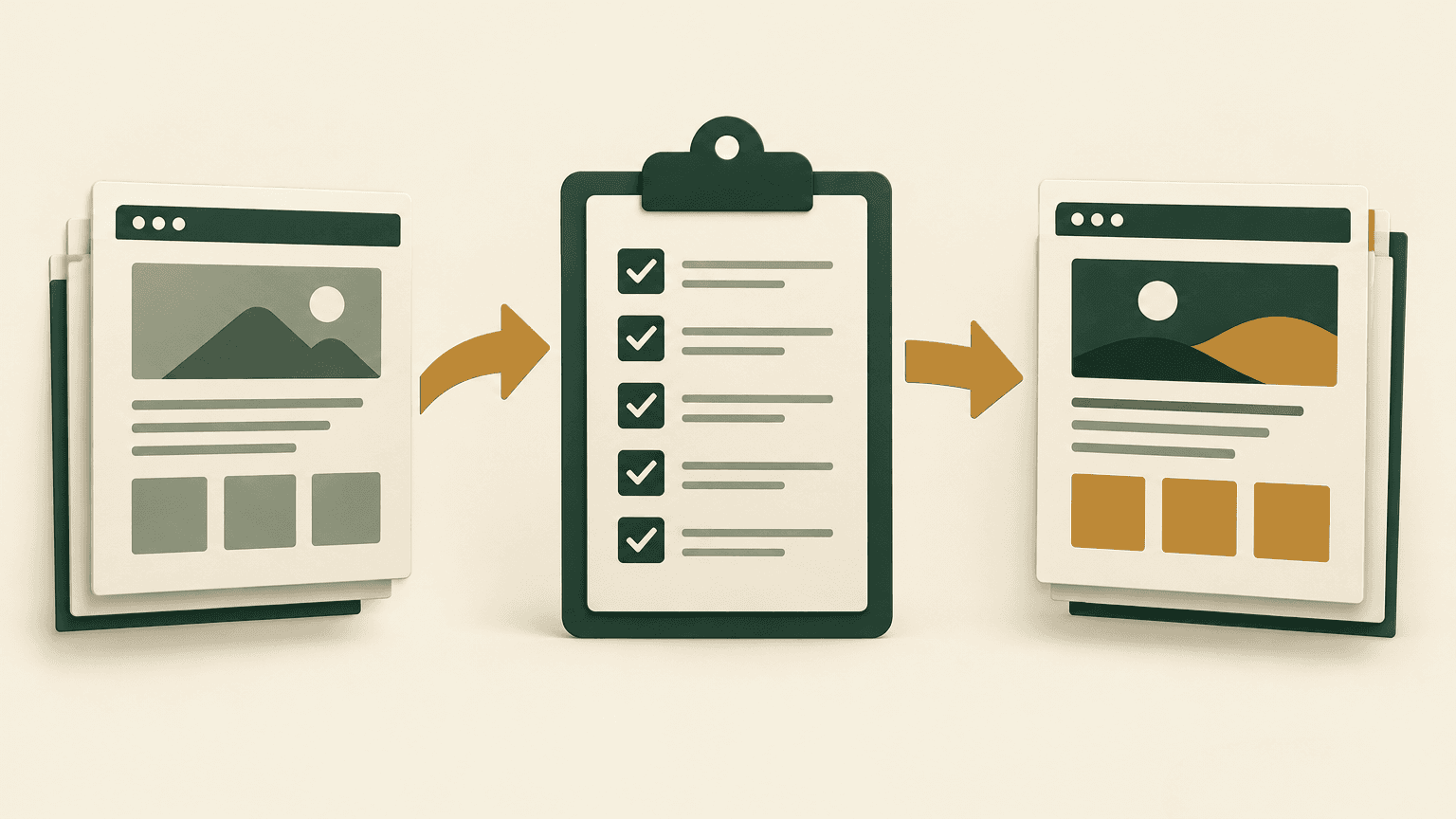
Use this walkthrough as a working plan for the site owner, SEO lead, developers, designers, and content team. Each stage should produce a concrete deliverable: a protected-page inventory, an intent-led architecture, a URL map, a prelaunch test record, and a post-launch monitoring process. A relaunch does not have to preserve everything, but every high-impact change should be deliberate.
Inventory the Pages and Queries You Need to Protect
Start with a baseline of the existing site while it is still live. Crawl its accessible URLs and combine that export with XML sitemaps, analytics landing pages, Google Search Console page and query data, and available backlink information. No single source is complete: a crawl may miss orphan pages, analytics may exclude visits because of consent settings, and Search Console does not expose every query. Combining sources reduces blind spots.
Choose comparison periods that reflect how the business operates. Look beyond the most recent weeks if demand is seasonal or a few pages receive traffic only during particular buying cycles. Save the underlying exports before launch, along with the dates and filters used. Also annotate existing outages, tracking changes, campaigns, or known search volatility so they are not later mistaken for redesign effects.
Build a protection inventory, not just a URL list
URL and page role: record the current address, content type, topic, primary audience, and responsible owner.
Search visibility: capture organic clicks, impressions, important query themes, and relevant country or device segments.
Business value: include leads, purchases, assisted journeys, or other meaningful actions where measurement is reliable.
Existing signals: note status code, indexability, canonical target, title, main heading, internal links, and valuable external links.
Migration decision: assign each URL a proposed action such as retain, update, merge, redirect, or remove, with a reason and approver.
Prioritize pages using both search exposure and business importance. A technical support article may attract many visitors but few direct sales; a specialist service page may attract fewer visitors with stronger purchase intent. Both can deserve protection for different reasons. Include pages with valuable backlinks or substantial impressions even if recent click totals are modest.
For each priority page, record the query themes it serves and the content that answers them. Separate branded searches from nonbranded discovery where practical. Check whether visitors want a definition, a comparison, a product, a local service, or help completing a task. This record explains what must survive the redesign, rather than treating the current layout or word count as inherently valuable.
Save a crawl and content snapshot of the current site. Titles, canonical tags, internal links, and key copy are much easier to compare after launch when you have a reliable before-state.
Align New Site Architecture with Search Intent
Use the inventory to review the proposed navigation, page hierarchy, and content model. Internal departments do not always match the way customers search. A structure organized entirely around company divisions may hide useful services, while an overly broad category can combine several needs on a page that satisfies none of them clearly.
Assign a clear purpose to each important destination page. Related topics can share a page when they support the same task, but distinct intentions may need separate destinations. Do not merge pages solely to simplify the menu or reduce the number of templates. Review the queries, content, and user journey first, then decide whether consolidation will preserve the useful answer.
Hypothetical example: a business plans to replace separate installation, repair, and maintenance pages with one services overview. If the existing pages answer different questions and attract distinct search demand, the overview may be better used as a hub linking to those specialist pages. Consolidation would be more defensible if the old pages substantially duplicated each other and one improved destination could meet the same needs.
Make important destinations discoverable
Plan links from navigation, category hubs, related resources, and relevant body content. Use descriptive anchor text that helps readers understand the destination. Important pages should not depend only on an internal search box, a filter selection, or a sitemap to be discovered. Check that navigation links use crawlable anchor elements with valid href attributes rather than relying entirely on scripted click handlers.
Document which content modules each template must support: descriptive introductions, specifications, service details, comparison information, FAQs where useful, and contextual links. A visually consistent redesign can still fail if its templates have nowhere to put the information that previously answered searchers' questions. Give the content team these requirements before layouts are finalized.
Map URLs and Preserve Important Signals
Keep existing URLs when they still describe the content and the platform can support them. Changing an address just to make it look cleaner adds migration work without necessarily improving search performance. Where changes are necessary, build a source-to-destination map before development is complete, not during the final launch meeting.
Unchanged page: retain the URL and verify that it remains accessible, indexable, and linked internally.
Moved page: redirect the old URL directly to the corresponding new page using a permanent server-side redirect, commonly 301 or 308.
Merged pages: redirect each source only when the combined destination meaningfully covers its subject and user need.
Removed page with no suitable replacement: return an appropriate 404 or 410 response instead of redirecting visitors to an unrelated destination.
Previously redirected URL: review existing rules so older links still reach the correct final destination without unnecessary redirect chains.
Avoid redirecting every deleted page to the homepage. That may confuse visitors and can be treated as a soft 404 rather than a useful replacement. Broad redirect patterns also need testing: a rule that works for one category may send another category to the wrong page, strip meaningful parameters, or create loops. Keep explicit exceptions wherever pattern-based rules are not reliable.
Preserve more than the destination address. Compare priority pages for topic coverage, title meaning, headings, internal links, images that answer user needs, and relevant structured data. Copy does not need to remain word for word, but removing useful explanations while retaining only a short marketing summary can change what the page is capable of ranking for. Validate structured data against the visible content and supported search features rather than copying markup blindly.
Update internal links to point directly to final URLs. Align canonical tags, XML sitemaps, navigation, and any hreflang annotations with the same destination set. Canonicals are not a replacement for redirects when a page has moved. If the site also changes domain, HTTPS configuration, or URL conventions, include those variants in testing and retain the technical control needed to serve redirects from old addresses.
Do not remove migration redirects after a brief monitoring window. Google recommends keeping redirects for site moves for at least a year; useful redirects may need to remain much longer for visitors, external links, and older bookmarks.
Test Templates, Rendering, and Indexability Before Launch
Test a representative page from every template, then crawl the full staging site where access permits. Include exceptions, not just polished examples: products without stock, long articles, paginated categories, filtered pages, empty search results, localized versions, and pages with incomplete optional fields. Template-level defects can affect many URLs at once.
Keep staging private, preferably behind authentication or another access control. A robots.txt disallow alone does not reliably prevent a URL from appearing in search, and it can prevent crawlers from seeing a noindex directive. Whatever staging controls you choose, document how they will be removed or changed for production. A forgotten sitewide noindex directive is a launch blocker.
Run a technical acceptance checklist
Status codes: intended landing pages return 200, redirects reach the correct final page, and missing pages return genuine error statuses.
Indexability: robots.txt, meta robots, and X-Robots-Tag headers allow intended production pages to be crawled and indexed.
Canonicals: priority pages identify the intended production URL, without staging hosts, accidental cross-page targets, or conflicting signals.
Rendering: main content, navigation, links, and metadata appear correctly in rendered output, including on mobile layouts.
Content migration: titles, headings, important copy, media, and contextual links have survived the transfer without truncation or missing fields.
Discovery controls: XML sitemaps contain intended canonical, indexable URLs; pagination and relevant category links expose deeper content.
Measurement: analytics, consent behavior, and key conversion events work without duplicate tracking or missing templates.
Performance and usability: key journeys remain usable under realistic mobile conditions, with attention to loading, responsiveness, and layout stability.
For JavaScript-heavy sites, compare the initial HTML with the rendered page rather than assuming a browser screenshot proves search accessibility. Check whether content or links require user interaction, whether resources fail to load, and whether route changes produce correct URLs and status codes. Server rendering or prerendering can reduce some dependencies, but the implementation still needs testing. After launch, use Search Console inspection on selected live URLs to supplement crawler checks.
Assess performance with representative templates and realistic conditions. Prelaunch laboratory tests help reveal heavy scripts, oversized images, and layout shifts, but they do not establish how the new site performs for real visitors. Existing field data describes the old experience until enough new observations become available. Treat speed work as part of release quality, not as a promise of improved rankings.
Set launch gates and assign owners
Agree which defects block release and who can approve exceptions. Widespread noindex directives, broken priority redirects, missing main content, production canonicals pointing to staging, and persistent server errors should not be left for routine cleanup. Record the owner, severity, evidence, and retest result for each issue. Minor metadata improvements can enter a later backlog without obscuring critical faults.
Prepare a launch runbook with the deployment sequence, redirect activation, production configuration checks, sitemap updates, and immediate smoke tests. Name the people who can change routing, restore content, or roll back the release. A rollback plan should consider new orders, form submissions, and database changes so that restoring the old interface does not lose live business data.
Monitor Search Performance and Resolve Post-Launch Issues
Run production checks immediately after deployment. Confirm that the correct host is live, priority URLs load, redirects work, staging restrictions are absent, and analytics records visits and conversions as expected. Crawl the production site and test the old URL inventory against it. Deployment settings, CDN behavior, and server routing can differ from staging even when the application code is unchanged.
Submit the updated XML sitemap in Search Console and retain access to relevant existing properties. If the domain changes, follow the applicable site-move process and use the Change of Address tool where supported. Inspect a selection of critical URLs, but do not treat indexing requests as a substitute for working redirects, crawlable links, and consistent technical signals. Search reporting has delays, so it cannot replace immediate server and crawl checks.
Compare page groups and query themes, not just totals
Monitor the protected inventory by template, topic, and migration action. For moved pages, compare the combined performance of old and new URLs against the previous baseline; looking at the old address alone will show an expected decline. Separate branded from nonbranded demand and review device, country, and conversion patterns where relevant. Account for weekday effects, seasonality, and other marketing activity before attributing every change to the relaunch.
Traffic falls in analytics while Search Console clicks remain broadly stable: investigate tracking, consent configuration, channel attribution, and reporting filters before assuming a ranking loss.
A whole template loses visibility: inspect shared robots directives, canonical logic, rendering, internal links, and content fields.
Specific moved pages decline: check redirect relevance, final status, content preservation, and whether links now point to the correct destination.
Impressions remain but clicks decrease: review query mix, title changes, search presentation, and position changes rather than treating the issue as purely technical.
Crawl errors or server failures rise: examine hosting capacity, application logs, CDN rules, redirect loops, and bot-access restrictions.
Organic conversions fall without a comparable visit decline: test forms, checkout, calls to action, mobile usability, and conversion measurement.
Check technical health frequently during the initial launch period, then adjust the cadence to the site's size, crawl activity, and observed stability. Some search fluctuation can accompany URL and content changes, but there is no universal recovery deadline. Do not dismiss a severe decline as normal migration behavior without checking for a cause. Server logs, when available, can help show whether crawlers are reaching new URLs or repeatedly encountering failures.
Resolve issues in order of impact: access and indexability first, then incorrect redirects and missing content, followed by internal linking and lower-priority refinements. Keep a dated change log so the team can connect fixes with later observations. Avoid repeatedly changing architecture, copy, and redirect rules at the same time unless a critical fault requires it; overlapping changes make diagnosis harder.
Your next step: create the protected-page inventory before approving the new sitemap. Choose the pages with the greatest search or business importance, assign an owner to each, and require a documented destination and acceptance test before launch.