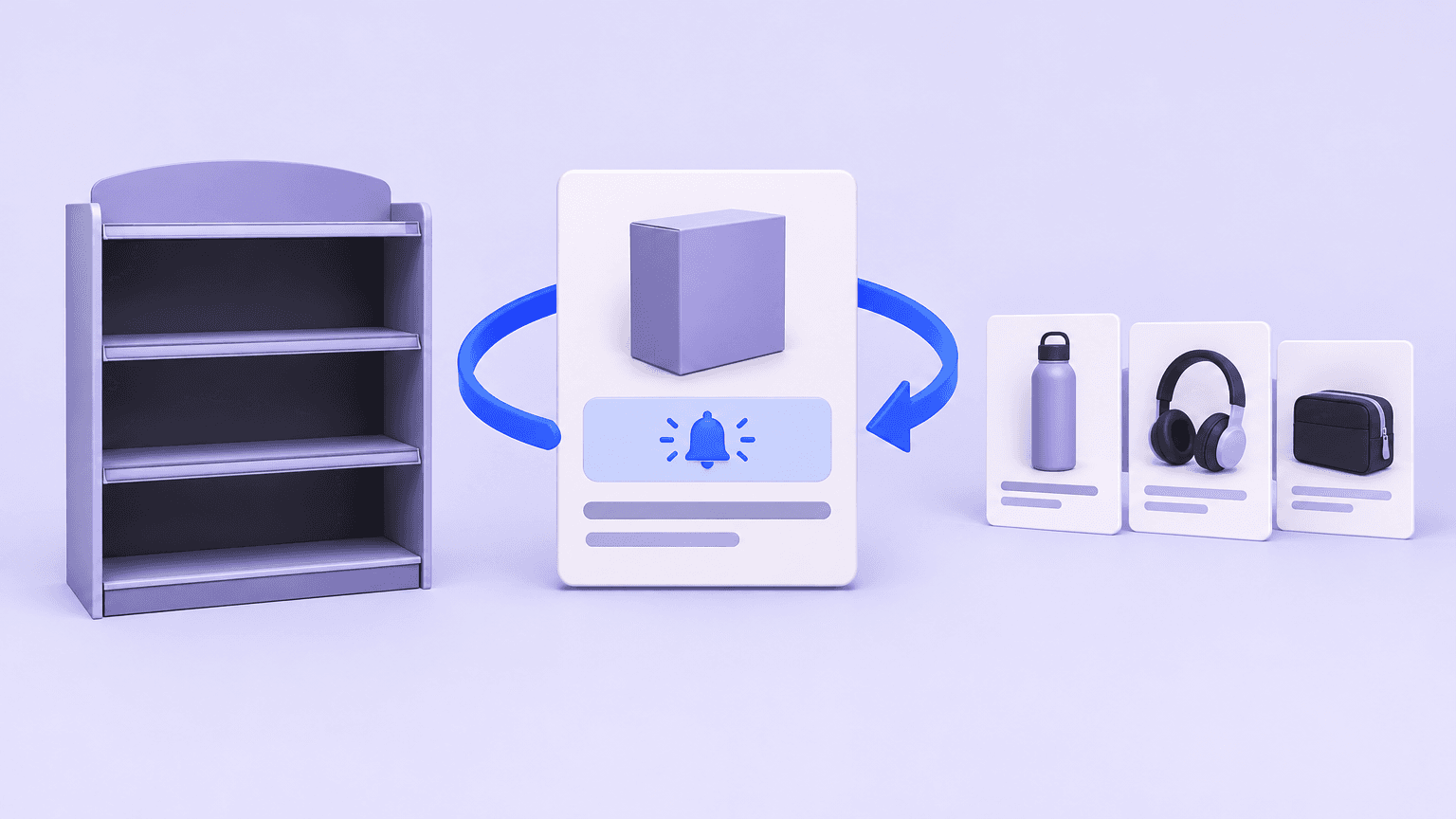
E-commerce SEO for Out-of-Stock Products: Keep Rankings Useful When Inventory Runs Dry
An out-of-stock page can still help shoppers and preserve search value—or frustrate visitors and waste it. Learn when to keep the URL live, what to show on the page, and when to redirect or remove it.
An out-of-stock product should not automatically become a deleted page, a redirect, or a hidden listing. If the same product is likely to return, keeping its URL live and useful is usually the clearest choice. If it will never return, decide whether the page still helps shoppers, whether a genuinely equivalent replacement exists, or whether the URL should return a not-found response. The objective is not to preserve every URL at any cost; it is to keep search results connected to pages that answer the shopper’s next question.
Treat inventory status and URL status as separate decisions. A stock count can change several times before a purchasing team knows whether a product is discontinued. Allowing each inventory change to trigger a redirect, noindex directive, or deletion creates unnecessary technical churn. Instead, use the product’s expected future, replacement options, and continuing usefulness to choose a stable response.
First, Decide Whether the Shortage Is Temporary or Permanent
Start with the people who know the supply situation: purchasing, merchandising, suppliers, or production. A warehouse quantity of zero tells you that the item cannot currently ship. It does not tell you whether another shipment is confirmed, whether only one size is missing, or whether the manufacturer has ended production. Those distinctions should drive the SEO decision.
Temporary shortage with a credible restock plan: keep the product URL live with a 200 response, preserve its useful content, and explain availability.
Uncertain supply: keep a useful page while someone investigates, assign an owner, and set a review date. Do not promise a return date without evidence.
Seasonal product expected to return: normally retain the established URL and explain the seasonal availability rather than rebuilding the page each selling season.
Permanently discontinued with an equivalent successor: evaluate a permanent redirect, but only after checking whether the destination satisfies the original product intent.
Permanently discontinued without a suitable successor: keep a meaningful reference page if it serves a continuing need, or return a proper 404 or 410 if it does not.
Evaluate variants before treating an entire product as unavailable. If a jacket is sold out only in one size, the parent product page may still be a valid shopping destination. Show availability for each selectable variant and prevent purchases of unavailable combinations. If variants have their own indexable URLs, make sure the page content, canonical setup, and availability data reflect the actual variant strategy rather than applying one blanket rule.
There is no universal number of out-of-stock days after which a product URL should be removed. A specialist replacement part and a short-lived promotional item have different useful lives. Set review intervals around purchasing cycles, demand, and the reliability of supply information—not an arbitrary SEO deadline.
Keep Temporary Out-of-Stock Pages Useful to Shoppers
For a temporary shortage, retain the existing URL and serve a normal 200 response. Keep the product name, images, specifications, compatibility information, reviews, and other original content that helps someone identify and assess the item. Replacing all of that with a nearly empty unavailable message sacrifices usefulness and can leave search engines with a page that resembles an error despite its successful status code.
Put the stock message beside the purchase controls, not solely in a banner or below the description. State whether ordering is unavailable, whether backorders are accepted, and whether any expected return date is confirmed or estimated. If the timeline is unknown, say so plainly. Disable an unusable purchase button or replace it with an appropriate next action; do not let a shopper discover the shortage only after adding the item to a basket.
Backorders need more than a changed button label. Explain the expected dispatch window, when payment is taken, and how cancellation works under your store’s policies. If the business cannot reliably accept and fulfill future orders, use an availability notification instead of presenting the item as orderable.
Keep Discovery Consistent With Availability
A temporarily unavailable product does not always need the same prominence as an available one. Category pages and internal search can prioritize in-stock products while retaining access to unavailable items through filters, relevant links, or clearly labeled listings. Avoid making a returning product reachable only through an external search result. Where you retain a listing, show its availability before the click.
Do not automatically add noindex, block crawling, or canonicalize the product to its category merely because stock has run out. Noindex can remove the page from search, a crawl block can prevent search engines from seeing updated information, and a category is generally not a duplicate of a specific product. Retain the normal canonical setup for a distinct product page unless a separate duplication issue requires a change.
Handle Back-in-Stock Alerts, Alternatives, and Product Schema Carefully
A back-in-stock alert is useful when there is a realistic prospect of a return. Make the signup specific to the item and, where relevant, its size, color, or configuration. Explain what notification the shopper is requesting and handle consent and personal data according to applicable requirements. An alert request should not be presented as a reservation or a guarantee that stock will still be available when the recipient returns.
Connect the notification system to sellable inventory rather than every inventory event. Stock received into a warehouse may still be reserved, awaiting inspection, or unavailable in the shopper’s region. Set rules for when alerts are sent and suppress alerts for discontinued products. If supply plans change, update the page and review outstanding subscriptions instead of collecting requests indefinitely.
Recommend Alternatives by Fit, Not Just Category
Useful alternatives solve the same problem at an acceptable price and specification. Compare the attributes that matter for the purchase: dimensions, compatibility, capacity, material, or intended use. Make differences visible rather than labeling every recommendation as a replacement. For technical products, an incompatible substitute can be worse than no recommendation at all.
Hypothetical example: a discontinued water filter has a newer cartridge with a different fitting. The newer cartridge belongs in the same category, but it is not a direct substitute for owners of the original housing. Keeping the old page with fitting details and a clear compatibility explanation may serve those shoppers better than automatically redirecting them to the newer cartridge.
Align Structured Data With the Visible Offer
Where Product structured data includes an Offer, use the availability value that describes the actual offer. Schema.org values such as OutOfStock, BackOrder, PreOrder, and Discontinued describe different situations; they are not interchangeable ways to preserve visibility. An unavailable item should not retain InStock simply because a template or cached feed has not refreshed.
Match structured availability to the visible page and the selected product or variant represented by the offer.
Keep any displayed price and marked-up price consistent. Do not invent an active offer for a discontinued reference page.
Update merchant feeds and other sales integrations as well as page markup, allowing for their separate processing times.
Test representative pages after inventory transitions using structured-data validation tools and, where available, search platform inspection tools.
Monitor for stale cached markup or frontend scripts that restore an old stock status after the page loads.
Accurate structured data helps describe the page; it does not guarantee a rich result or an immediate change in search listings. Search engines must process updates, and an honest out-of-stock page may receive less purchase-oriented visibility than an available offer.
Choose Between Redirecting, Returning a 404, or Keeping a Discontinued Product Page
Permanent discontinuation calls for a destination decision, not an automatic redirect rule. Review what people seek from the old URL, whether it has useful external links, and whether its content still answers a real need. Search traffic and backlinks are evidence worth examining, but neither makes an irrelevant destination useful.
Use a Permanent Redirect for a Genuine Replacement
A 301 redirect is appropriate when the old product has been replaced by a destination that substantially satisfies the same intent. That might be an equivalent successor model or a consolidated page that now includes the original product’s relevant configuration. Check functional differences, compatibility, and the destination’s own availability before approving the mapping. If shoppers still need to compare old and new specifications, retaining an explanatory old page may be the better choice.
Avoid sending every discontinued product to the homepage or a broad category. Those destinations often fail to answer a product-specific query, and irrelevant redirects may be treated as soft 404s rather than meaningful replacements. When a redirect is justified, send the old URL directly to the final destination, update internal links, and remove the redirected URL from the XML sitemap. A redirect does not guarantee that previous rankings or traffic will transfer.
Keep a 200 Page When Reference Value Remains
A discontinued page can remain valuable for manuals, specifications, spare-part identification, warranty guidance, or compatibility checks. Keep it live if that information is substantial and maintained. Clearly label the product as discontinued, remove misleading purchase controls, and link to relevant support or verified alternatives. Retaining an indexable reference page is reasonable when it answers a search need; retaining a thin dead end solely because it once ranked is not.
Return 404 or 410 When There Is No Useful Page Left
If the product is gone, no suitable replacement exists, and there is no meaningful reference content to maintain, return a proper 404 Not Found or 410 Gone response. A 410 explicitly signals intentional removal; either status can support removal from search over time. There is no need to preserve an empty page with a 200 response simply to avoid having a legitimate not-found URL.
The error page can still offer site search, navigation, and relevant category links while keeping the correct error status. Remove the retired URL from XML sitemaps and repair internal links that present it as an active product. Do not block the URL in robots.txt before crawlers can discover the removal response. External links may continue to lead there, so make the error experience helpful rather than blank.
Build an Inventory-Based Workflow for Reviewing Product URLs
Separate automated inventory updates from decisions that require merchandising judgment. Stock events can update availability messages, purchase controls, structured data, and alert eligibility. Redirects, permanent removals, and major indexing changes should require a confirmed lifecycle status and an approved rule or review. This prevents a delayed shipment from accidentally retiring a valuable product page.
Maintain a URL review record: product identifier, canonical URL, lifecycle status, stock scope, expected restock information, confidence level, owner, and next review date.
Add decision evidence: relevant search demand, organic landing traffic, internal and external links, support value, candidate replacements, and compatibility constraints.
Assign responsibility: purchasing confirms supply, merchandising approves alternatives, SEO reviews URL treatment, and development implements and tests technical changes.
Define state transitions: temporary shortage to restocked, uncertain supply to confirmed shortage, and discontinued to retained reference, redirect, or removal.
Keep a change log: record the reason, approver, implementation date, and destination of each permanent URL change so errors can be investigated.
Review Exceptions and Test the Full Journey
Prioritize URLs with demand or signs of a broken experience: popular unavailable products, missed restock dates, alerts without a supply plan, recommendations that are also unavailable, and discontinued pages still featured in navigation. Use review intervals that fit the product lifecycle. A confirmed shipment due soon warrants a different follow-up from a seasonal range awaiting its next purchasing decision.
Test more than the desktop product page. Check mobile purchase controls, variant selection, internal search, category labels, alerts, structured data, feeds, HTTP responses, canonical tags, and XML sitemap membership. Confirm that restocking reverses temporary messages and disabled controls without creating a new URL. For redirects, check for loops, chains, and destinations that have themselves been retired.
Measure whether shoppers can still complete a useful action, not just whether the old page retains impressions. Review movement to suitable alternatives, alert requests and delivery failures, support questions, indexing changes, and organic landing-page behavior. Interpret traffic changes alongside inventory and demand: a page cannot offer the same purchase experience while its product is unavailable, even when its technical implementation is sound.
Start with your highest-demand unavailable URLs. For each one, confirm whether supply is temporary, uncertain, or permanently ended; choose the appropriate live page, redirect, or removal response; and name the person responsible for its next review. That small, documented queue is a practical foundation for handling the rest of the catalog without making every stock change an SEO emergency.