Social MediaNovember 19, 2026
Social Media Content Repurposing: Turn One Strong Idea into Platform-Ready Posts
Learn how to reshape a useful idea for different social platforms without simply copying and pasting. Build a repeatable workflow that respects each format, audience, and context.
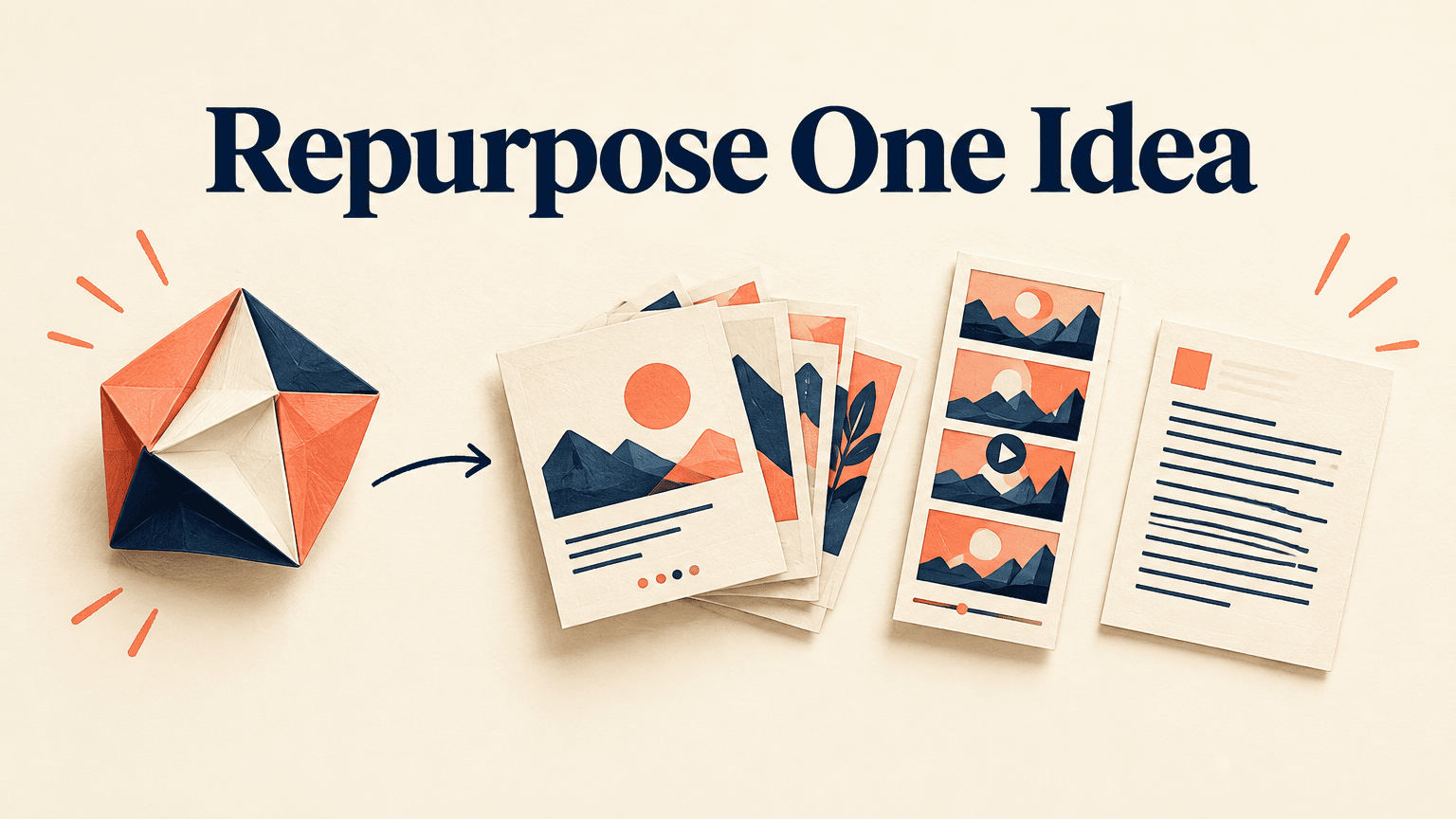
One useful idea can support several social posts, but copying the same caption into every channel rarely gives each audience a reason to care. Effective social media content repurposing preserves the central insight while changing the question, evidence, format, or action around it. The goal is to reduce repeated research and planning—not to publish more versions of the same announcement.
This walkthrough uses a hypothetical example: a project management software company has a practical guide to writing better project handoffs. Its core idea is that a handoff needs an owner, the current status, and a clear next action. A social media manager can turn that idea into a professional discussion, a visual checklist, a short demonstration, and a conversation prompt without asking followers to read the original guide first.
Choose an Idea with Enough Substance to Repurpose
Start with a problem your audience needs to solve, not an asset you need to promote. A long article is not automatically a good source, and a short customer question can contain enough substance for an entire series. Look for an idea with a clear takeaway, practical supporting details, and more than one useful way to explain it.
- Audience relevance: Can you name the person who needs the idea and the situation in which they need it?
- A clear claim: Can you summarize the useful lesson in one sentence without promotional language?
- Supporting material: Do you have steps, examples, observations, demonstrations, or documented evidence that make the lesson credible?
- Multiple entry points: Could someone approach the idea through a mistake, a question, a checklist, or a comparison?
- A suitable shelf life: Will the advice remain accurate through the planned publishing window, or does it depend on a temporary event or product detail?
For the hypothetical handoff guide, the claim is specific: make ownership, status, and the next action visible before work changes hands. Supporting material might include a blank handoff template, a fictional before-and-after example, and an explanation of when a handoff is necessary. Those are distinct pieces of value. By contrast, an announcement that simply says a new guide is available has little substance to reuse.
Build a Small Source Brief
Before drafting posts, collect the core claim, intended audience, supporting details, source links, and any limitations in one working document. Separate verified facts from your interpretation and from hypothetical examples. Note permissions for customer material, screenshots, and quotations. This brief becomes the shared reference for writers, designers, and reviewers, so a useful nuance does not disappear each time the idea changes format.
Use a substance test: if every proposed post would make the same point with the same example, either find more supporting material or make fewer posts. A source does not need to fill every channel.
Map the Idea to Each Platform’s Audience and Format
Choose channels based on your actual audience and publishing capacity. Platform conventions are starting points, not rules about what everyone wants. Review your own comments, past posts, audience questions, and available analytics to decide where the idea fits. Then choose a format that makes the information easier to use, rather than adding production work for its own sake.
- LinkedIn: If your followers discuss team operations, frame the handoff idea as a management decision. A text post could explain why assigning a task is not the same as transferring responsibility, followed by a practical example.
- Instagram: If your audience uses visual references, turn the three handoff fields into a carousel checklist. Give each slide a clear job and make the final slide a usable summary rather than only a promotional message.
- TikTok or Instagram Reels: If you can demonstrate the problem clearly, show a fictional vague handoff and then a corrected version. Use readable on-screen text so viewers can follow the essential lesson without relying only on audio.
- YouTube Shorts: Package the demonstration as a self-contained answer to a narrow question, such as what to include when passing a task to a teammate. Do not assume viewers have seen another part of the series.
- Threads or X: Isolate one tension or practical observation. A short post could distinguish a status update from a handoff, then invite readers to describe what typically gets missed.
You do not need to produce every version. If you manage two active channels and have limited editing time, a strong text post and a useful carousel may be the right scope. Add video when showing the process improves understanding and the team can sustain production. Reusing an idea should reduce avoidable work, not create a larger content obligation.
Record five decisions for each selected channel: the audience situation, the post’s specific promise, the format, the desired action, and the production requirement. Check current format specifications and publishing-tool support before creating assets. A scheduling tool may not support every native feature or post type you intend to use.

Transform the Core Message into Distinct Post Concepts
Draft concepts before captions. A concept defines the particular value a post delivers; a caption is only one part of its execution. This distinction prevents a common shortcut: writing one caption, trimming it several times, and treating the results as separate ideas.
- Diagnose a mistake: Explain why a handoff that names a task but not an owner leaves responsibility unclear.
- Teach a method: Present the owner, status, and next-action checklist with a short explanation of each field.
- Demonstrate a change: Rewrite a hypothetical vague handoff into a specific one, making the differences visible.
- Address an objection: Explain when a full handoff document would be unnecessary and a brief structured message would be enough.
- Prompt reflection: Ask which handoff detail readers most often have to chase, giving enough context for a useful response.
These concepts share a central message but do different jobs. Someone who sees more than one should gain something new. The diagnostic post helps them recognize a problem; the checklist helps them act; the objection post helps them apply the advice proportionately. That progression is more useful than repeating the same three tips under different opening lines.
Make Each Post Work Without the Source
Extracted content often loses the context that made it accurate. A sentence about keeping handoffs brief, for example, could sound like advice to omit important detail unless you explain the situation. Include who the advice is for, when it applies, and any limitation necessary to interpret it correctly. Link to the full resource for depth, not to repair an otherwise confusing post.
Use the source brief to protect meaning during compression. Do not turn a conditional recommendation into a universal rule, present a fictional example as a customer result, or remove a caveat that changes the claim. If the nuance cannot fit comfortably, narrow the post to a smaller point instead of forcing the whole argument into it.
Adapt Visuals, Hooks, Captions, and Calls to Action
Once the concepts are distinct, adapt their presentation. Reuse brand elements and source assets where they save time, but do not assume that resizing a graphic makes it suitable for a different viewing experience. A diagram that works in a document may become unreadable in a mobile feed; a video still may need a different crop and title to communicate its purpose.

Write a Hook That Matches the Payoff
Lead with the specific problem or useful outcome the post actually covers. For the hypothetical handoff example, a hook could explain that naming the next task does not tell a teammate who owns it. A demonstration could begin with the vague handoff on screen, then reveal what is missing. Avoid exaggerated warnings or promises that a simple checklist cannot support.
Let the caption complement the asset. If a carousel already contains the full checklist, use its caption to explain when to use it or clarify a common exception. If a short video moves quickly, use the caption to restate the practical takeaway. Do not add length merely to make one platform’s version look different.
Design for the Actual Viewing Experience
- Check text size, contrast, and cropping on a phone-sized preview, not only on a desktop canvas.
- Keep essential text clear of interface elements and inspect the platform preview before publishing.
- Review captions for accuracy, especially names and technical terms; add useful alternative text where supported.
- Replace dense screenshots with a focused crop or a simplified recreation when detail would otherwise be illegible.
- Remove private information from examples and confirm that you have permission to reuse any third-party assets.
Choose one primary call to action that follows naturally from the post. A checklist can invite readers to use it during their next handoff. A discussion post can ask about a specific recurring problem. A resource-focused post can direct readers to the full guide through an available link route. Avoid asking people to comment, share, save, follow, and visit a website all at once.
Schedule, Publish, and Track Each Version
Batch the work that benefits from shared context: verify the source once, draft related concepts together, and create assets from a common design system. Then review each finished post individually. Shared production is efficient; shared mistakes are expensive to correct across several channels.
Use a simple content tracker with one row per version. Include the source idea, concept, channel, format, asset location, approval status, publishing date, destination link, and intended outcome. Give related posts a shared internal identifier so you can later examine the idea as a whole without confusing results from different formats.
Space related posts according to audience overlap and your wider calendar. There is no universal interval that prevents repetition. If the same people are likely to see several channels, vary the concept and interleave other topics. If the advice is time-sensitive, prioritize timeliness over an artificially long sequence. Use your own audience activity and operational capacity to choose publishing times.
- For a reference post, review saves or shares where available, alongside comments that indicate practical use.
- For a discussion post, assess whether replies address the intended topic rather than counting all comments as equally useful.
- For a video explanation, inspect available viewing and retention data to identify where people leave, while recognizing that metrics vary by platform.
- For a traffic-focused post, use consistently tagged links and review relevant website actions where your analytics setup allows.
- For every version, record production effort so you can judge whether the format is sustainable as well as useful.
Compare results with similar posts on the same platform and over comparable reporting windows. Raw views from different networks are not a clean measure of which version worked best because distribution and metric definitions differ. Treat results as evidence for the next decision, not proof that a format or topic will always succeed.
Check for Repetition and Refresh What Falls Flat
Before scheduling, review the series side by side. Look past different colors and opening sentences: does each post offer a different example, decision, application, or level of detail? Repetition becomes a problem when the audience repeatedly receives the same payoff, not merely when a core idea appears more than once.
- Same lesson, same example: Merge the drafts or replace one with a genuinely different application.
- Useful content, unclear opening: Rewrite the hook so readers can identify the problem and relevance sooner.
- Strong opening, weak payoff: Add the missing explanation or demonstration rather than making the hook more dramatic.
- Views without the intended action: Check whether the call to action fits the post, the destination is relevant, and the link route works.
- Confused comments: Restore missing context or clarify the advice; do not assume readers failed to understand an otherwise complete post.
- Repeated weak results on similar attempts: Reconsider the topic-audience fit or pause that concept instead of endlessly changing its packaging.
Change a small number of meaningful elements when refreshing a post, and record what changed. A new example tests something different from a new opening line. Results still will not be a controlled experiment—timing and distribution can change—but a clear revision history makes your observations more useful.
Keep an evergreen reuse list, but recheck each source before publishing again. Product interfaces, links, permissions, and recommendations can become outdated. Archive versions whose central claim is no longer valid. When a topic remains useful, refresh it with a new audience question or application rather than silently recycling an obsolete asset.
For your next publishing cycle, choose one reliable source and two channels you already manage well. Write a one-sentence core message, develop a different concept for each channel, and define one useful outcome per post. Review the pair after publication before expanding the idea into a larger series.